Recently, Tines brought Workflow Live 2026 to ASL Studios. One day. Six sessions. 1,500 registrants. Live conversations with security and IT leaders from ASOS, HubSpot, Databricks, Asana, Figma, Datadog, Forrester, The New York Times, and more — all transmitted out of our Studio One in real time.
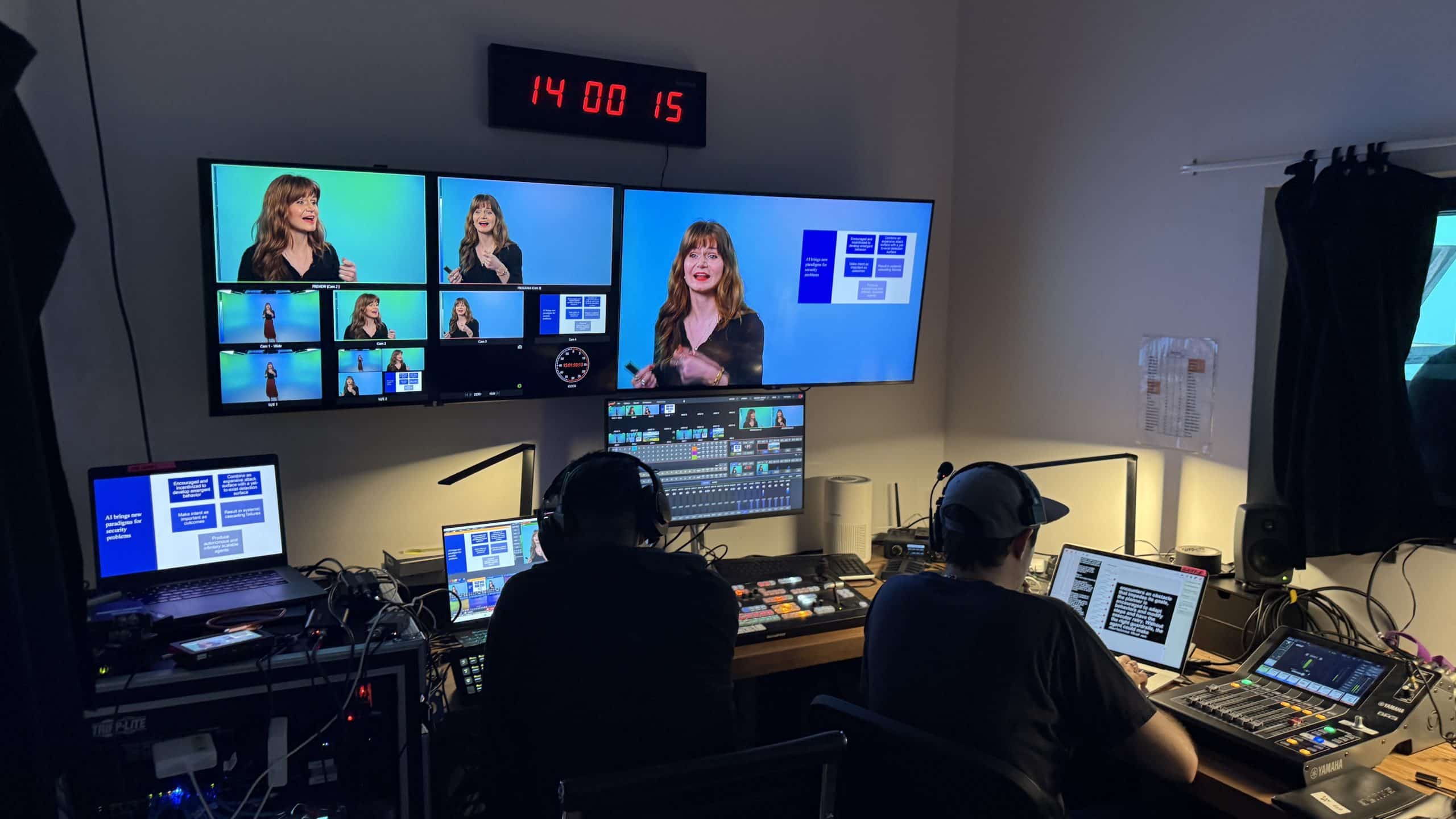
Multiple sets. Multiple formats. Custom on-brand graphics. Custom lighting cues programmed for every session. A four-camera package cutting between round tables and stand-ups. A teleprompter rolling for keynotes. And the whole thing switched live from our new vMix control room. Here is how it came together.
Four sessions. Four lighting designs. One studio.
The Show: Workflow Live 2026
1,500 Registrants · Six Sessions · One Studio
Tines is the intelligent workflow platform powering security and IT teams at some of the most recognizable companies in the world — Coinbase, Canva, Reddit, Snowflake, Mars, Notion, Pinterest, and Databricks among them. Their platform helps teams connect tools, deploy AI agents, and automate the work that used to live in spreadsheets, ticketing queues, and tribal knowledge.
Workflow Live is their annual virtual event — a single day of live conversations with the leaders actually putting AI into production. This year’s lineup ran six sessions back-to-back, from Tines CEO Eoin Hinchy’s opening keynote to a closing talk with Forrester Principal Analyst Allie Mellen on securing AI agents at scale. Casey Newton from Hard Fork sat down for a session on the AI productivity paradox. CISOs from HubSpot, ASOS, and JAMF talked through the real-world tradeoffs between speed, risk, and trust. Practitioners from Riot Games, Figma, Datadog, Databricks, and London Stock Exchange Group broke down the workflows they’ve actually shipped.
All of it streamed live to 1,500 registrants. All of it ran out of Studio One.
Built On the Full-Color CYC
Four Cameras · Teleprompter · Multiple Sets · One Cyclorama
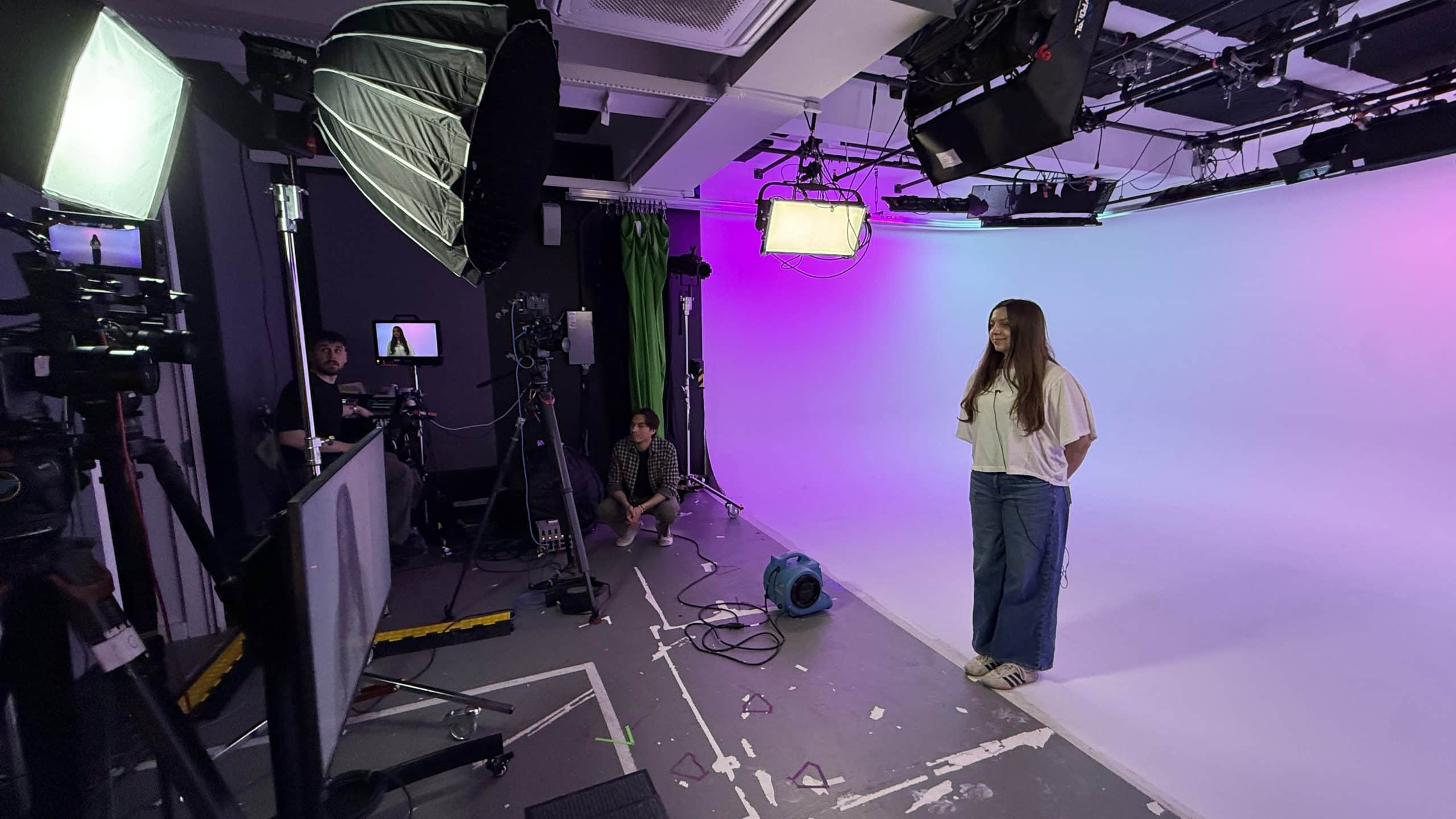
We built the entire show on the 25-foot full-color cyc in Studio One. The cyc gave us a clean, brand-driven backdrop for every format — keynote stand-ups, two-up interviews, four-person round tables — without ever physically leaving the same space.
Four cameras covered the floor: a wide that captured the cyc lighting in frame (intentional — those colored washes are part of the visual story), two mediums for cross-coverage on conversations, and a tight for keynote stand-ups and over-the-shoulder graphics reveals. Teleprompter rolled for every keynote so speakers could land their open and close on time without losing eye contact with camera.
Between sessions, we swapped sets on the floor — moving from a single stand-up position to a four-chair round table to a two-up interview configuration — without ever cutting the stream. The cyc held the visual identity steady while the furniture changed underneath it.
Custom Lighting Cues, Six Different Looks
Every session got its own lighting design. We pre-programmed custom cues on the DMX board so the cyc, the key, and the accent lights all shifted together at the top of each block — one look for the opening keynote, a different palette for the panel sessions, warmer practical-driven tones for the round tables, and a cooler editorial wash for the closing analyst talk.
Inside each session, we ran live cues too — subtle pushes during big reveal moments, color shifts to mark a transition from intro to interview, full re-washes when the format changed mid-block. The cyc became a character in the show rather than a backdrop you forgot was there, and the audience watching at home got six visually distinct sessions out of one physical space.
Every lighting cue lived in the same palette as the graphics package, so when a transition bumper fired and the lighting shifted underneath it, the show felt designed end-to-end instead of stitched together.
A Few of the Looks From the Day
Custom Graphics, Color-Cued Transitions
On-Brand Lower Thirds · Session Slates · Set-Swap Bumpers
The graphics package was designed against the cyc — every lower third, session slate, and transition bumper was built so the colors lived in the same palette as the lighting on set. When a transition fired between sessions, it pulled from the same hues we were washing the cyc with. That continuity is the difference between a livestream that feels like a broadcast and one that feels like a Zoom call with extra steps.
Those transition bumpers also did real production work. We used them as cover during set swaps — talent walks off, the bumper rolls full-screen, the crew resets chairs, mics, and prompter, and we come out the other side into the next format clean. From the audience’s side, the show never stopped. From the floor’s side, we had a full minute to move people and gear.
Live lower thirds and session graphics keyed in over talent in real time as conversations moved. Pre-loaded slates with custom plates shot in our studio carried the show through breaks and stings.
Switched Live from the New vMix Control Room
Live Switching · Live Graphics · Live Audience Q&A
This was the first all-day show we ran through our new vMix build in the control room, and the difference shows. Four camera inputs, the full graphics package, pre-loaded slates, audio mix, IFB feeds to talent, and the outbound feed to Goldcast all lived in one switching environment. No tape, no fragile pipeline, no waiting for a render to finish between sessions.
The vMix setup let us cut live between cams during round-table conversations, fire graphics on cue against keynote stand-ups, drop in a remote presenter, and roll into a bumper transition — all without leaving the same operator workflow. Audience Q&A came in live and got mixed into talent IFBs so on-stage moderators could respond in the moment.
Room for the Whole Client Team On Site
Green Room · Client Lounge · Hair & Makeup · Common Areas
An all-day live show brings a lot of people through the building — speakers, producers, marketing leads, comms, executives stopping in to watch their session, friends-and-family of talent. One of the things we built this studio around is making sure all of those people have somewhere to be that isn’t the studio floor.
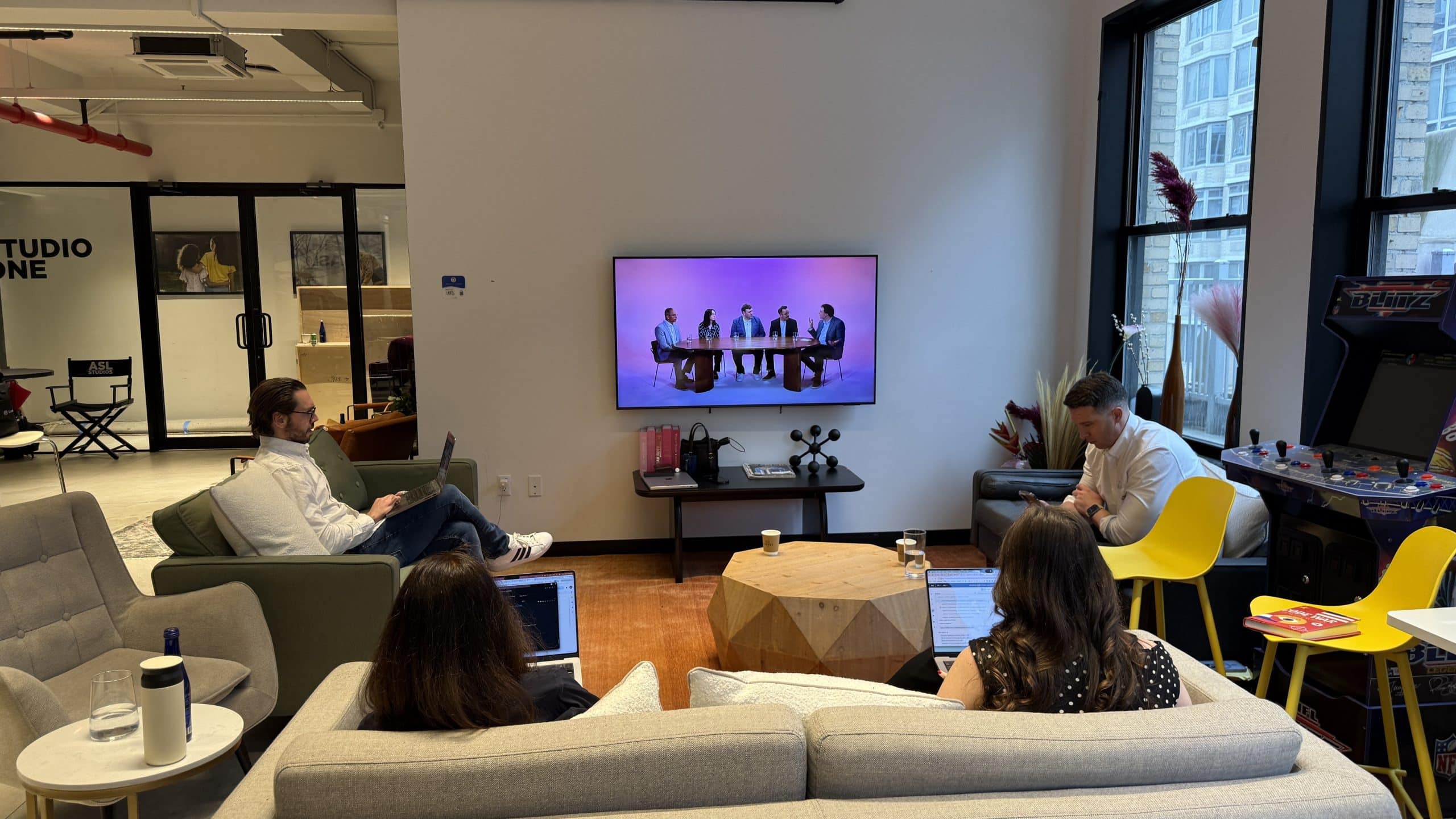
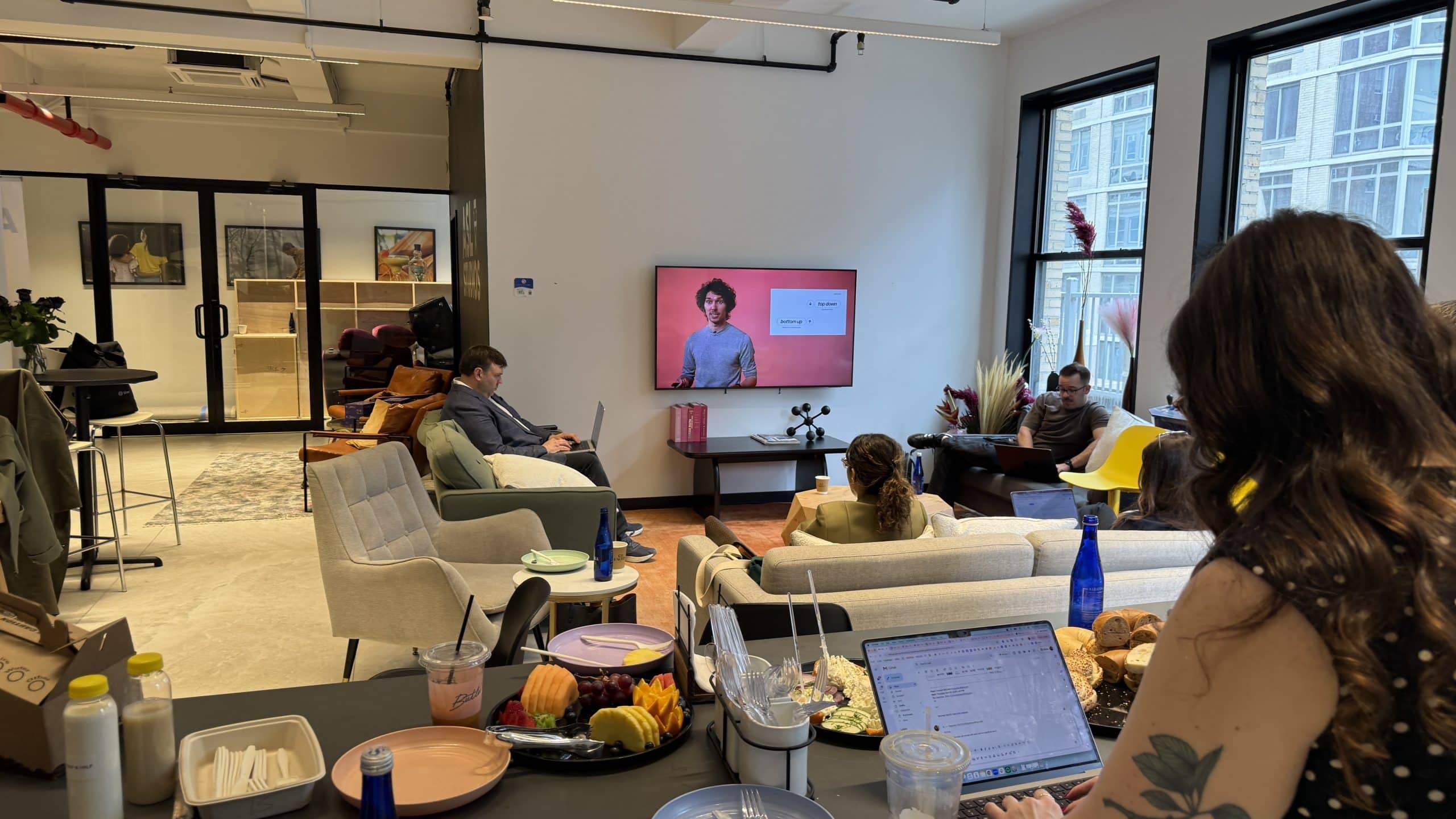
Throughout the day, the Tines team had real space to spread out. A dedicated green room for speakers prepping their next session. A separate hair and makeup room so the next panel could get touched up without bottlenecking the room talent just left. A client lounge for the production and marketing team to take meetings, fire off Slack messages, and watch the feed without crowding the control room. Common areas for everyone in between.
It sounds like a small thing until you’ve tried to run a six-session live show out of a studio that doesn’t have it. When the building is built for the whole production — not just the cameras — talent shows up calm, clients stay out of the crew’s way, and the show benefits from both.
|
1,500
Registrants
|
6
Live Sessions
|
4
Cameras Live
|
1
CYC, Many Looks
|
And We Ran a Second Live Stream the Same Day
Two Productions · One Building · One Team
While Workflow Live was rolling in Studio One, our Podcast Studio doubled as a remote production hub for an Unlikely Collaborators RFP presentation — also streaming live through Goldcast. Their team ran the show off-site, including teleprompter from afar, and cut to us for talent reads, on-camera conversation, and live audience Q&A. IFBs to talent rounded out the coms.
Two clients, two formats, one team running both. That is the kind of day we built this facility for.
Have an All-Day Live Stream Coming Up?
Walk us through it. We will tell you exactly what it takes to pull it off.